Linking an Ethereum Key to WebAuth Wallet
Authorizing Transactions With Metamask
One of the ways that you can manage your Proton chain's wallet is to link it to an Ethereum account that you control. This can also act as a fail-safe lifeline in the event that you cannot access your Proton private key but do have access to your Ethereum wallet. That is because just like WebAuth can use your mobile device to authorize transactions on your desktop computer (or another device), you can also simply sign transactions with your Ethereum wallet. This is a brief tutorial on how to link an ETH account via Metamask Wallet to an XPR account via WebAuth Wallet.
Linking an Ether Key
This guild assumes you have WebAuth installed on your mobile device. Navigate in your browser to webauth.com/login and click "login with mobile".
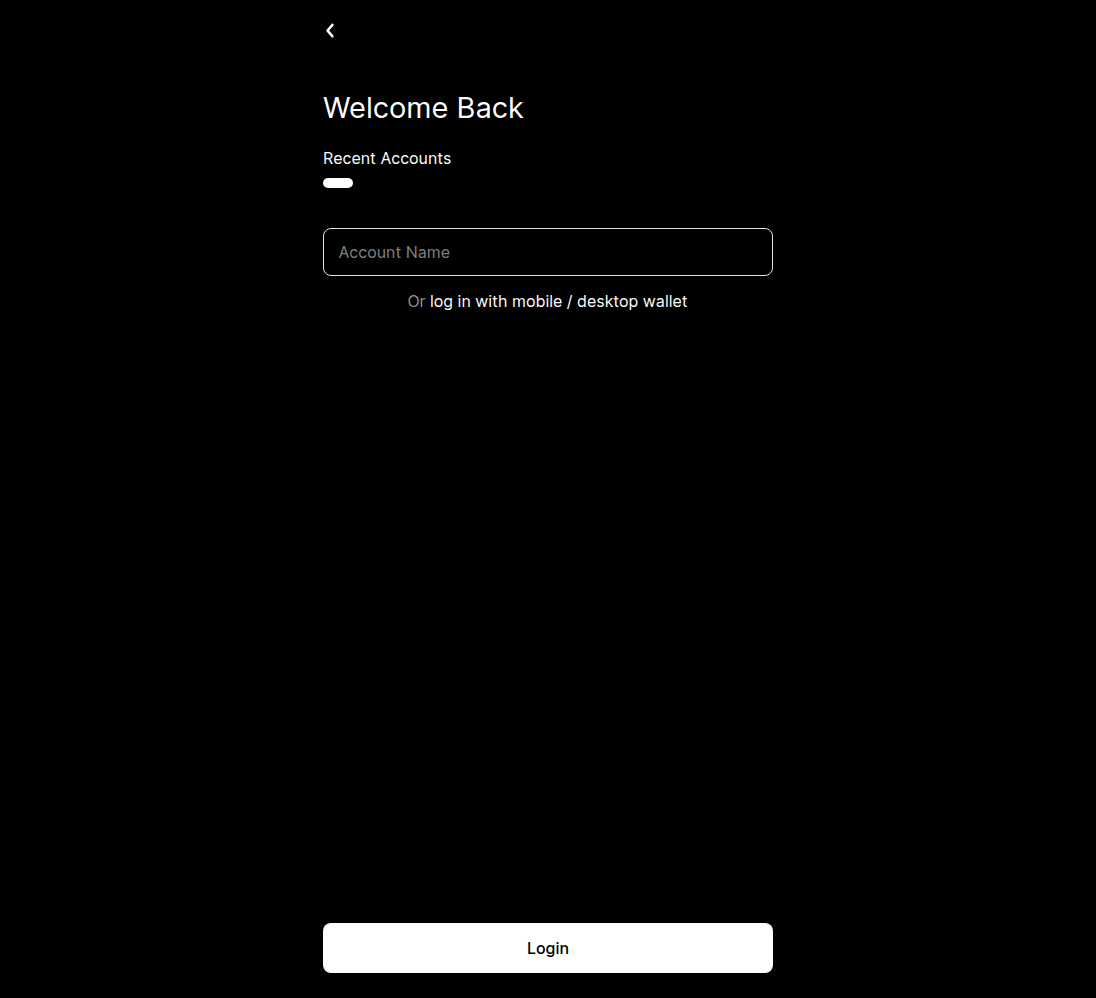
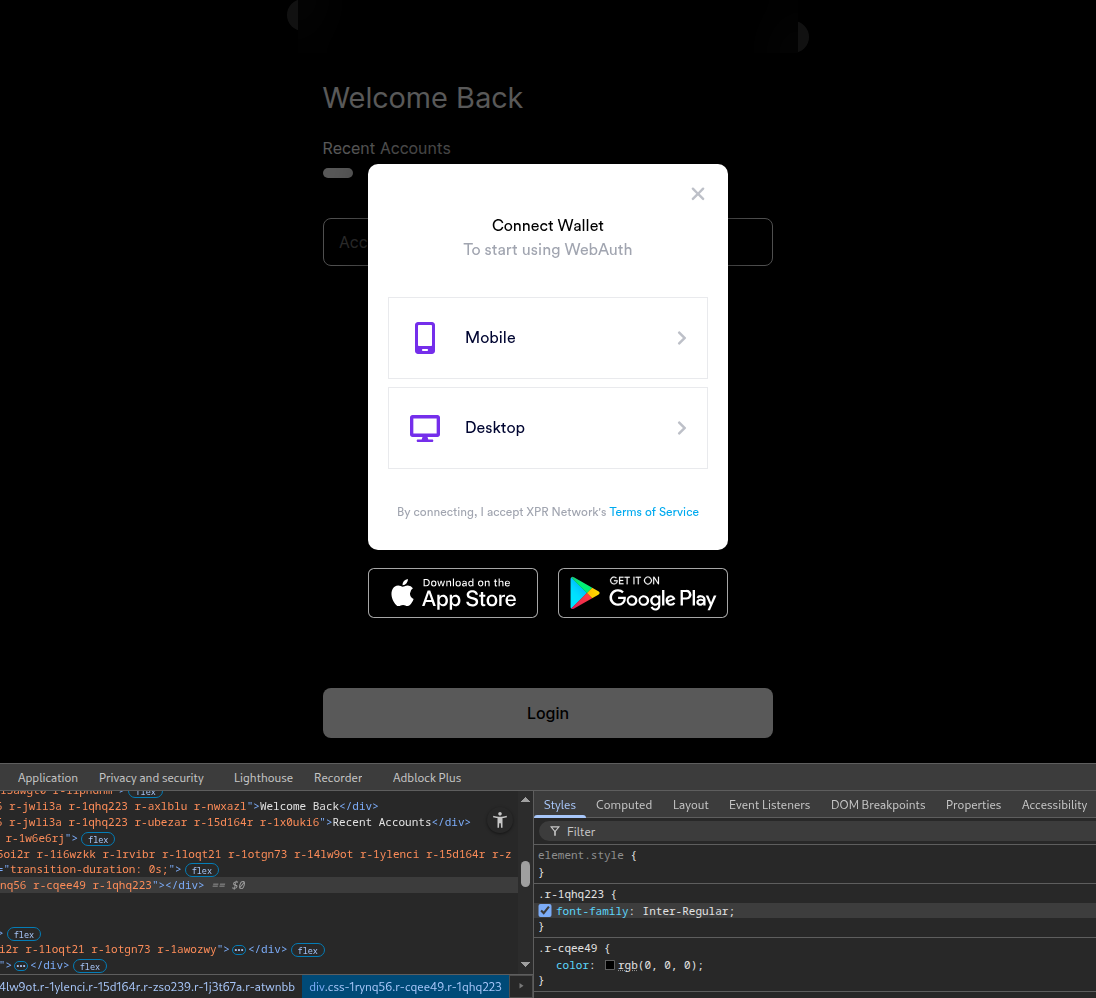
Click mobile, open your phone's WebAuth wallet. and scan the QR code that pops up, and you will be logged in.
Once logged in, click the little key shaped icon. I already have an Ethereum key added, as well as a couple of phones.
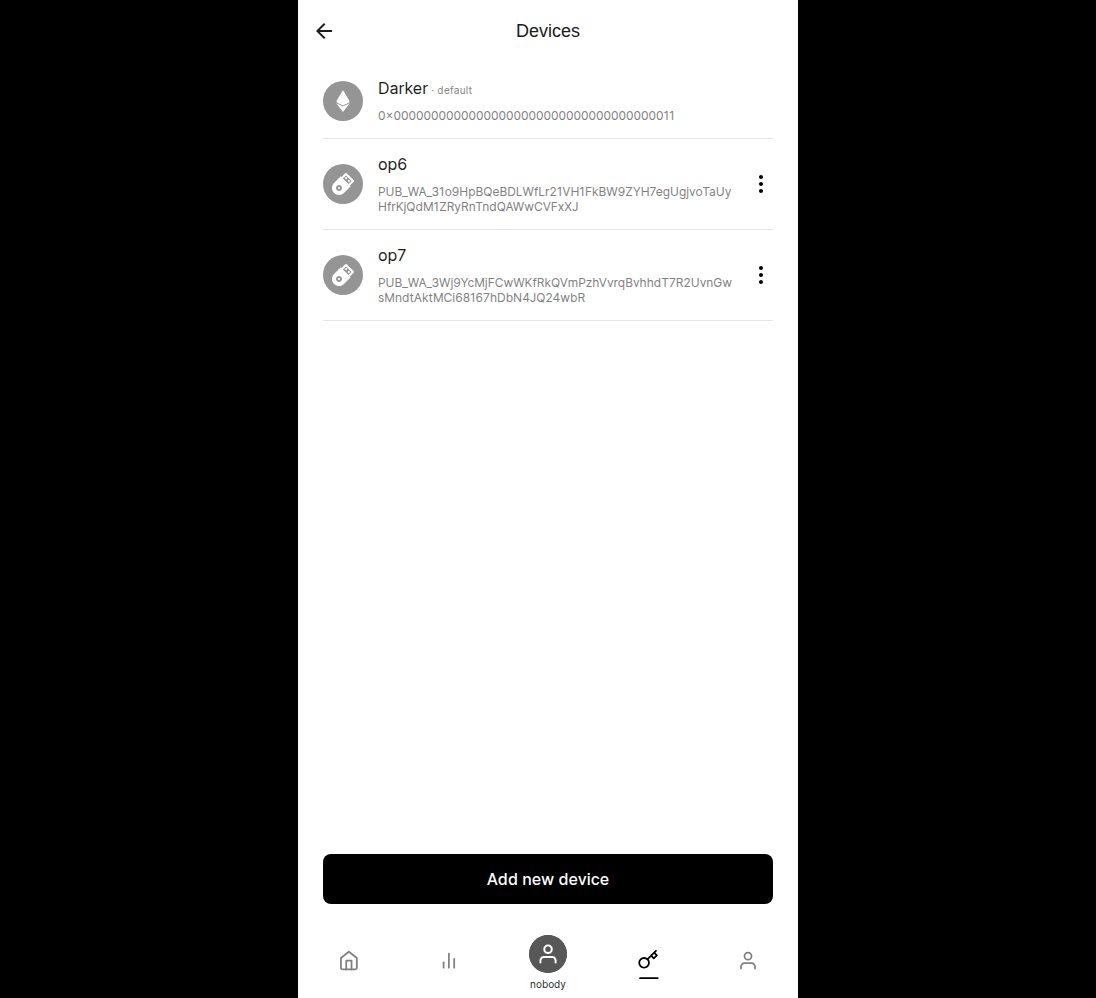
Next, click "Add new device", and select "Ethereum". You will see Metamask open, which will allow you to select an account to link.
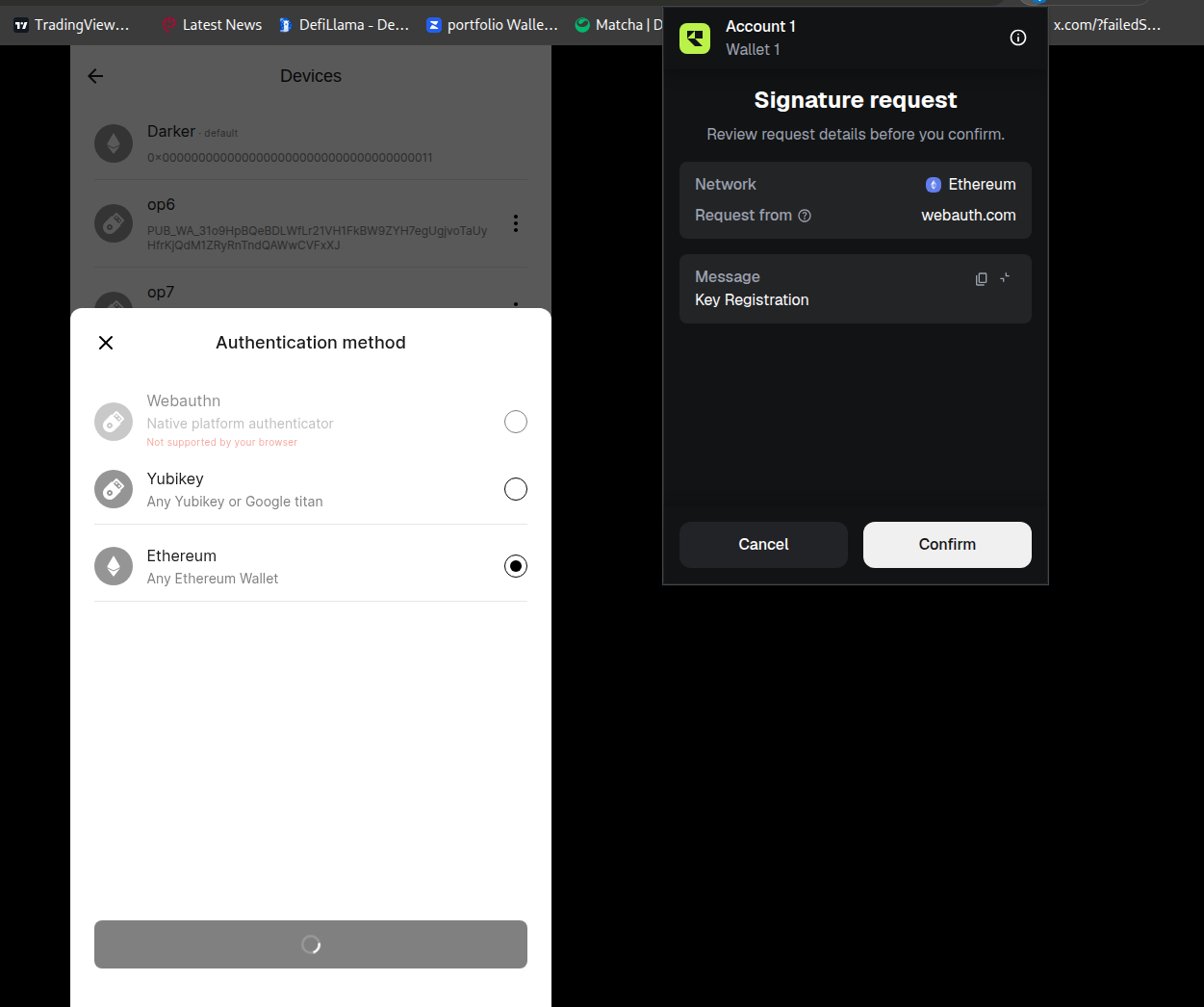
After clicking "confirm", your key will be linked to your WebAuth, allowing you to authorize transactions using your Metamask wallet.
Conclusion
Having an Etherum key linked allows you to authorize transactions all across the XPR/Proton and Metal ecosystems using Metamask. It's very useful when trading on MetalX, for example, because I don't have to open my phone every time i want to sign a transaction.
That's all for today. Thanks for reading The Luminary Edition.